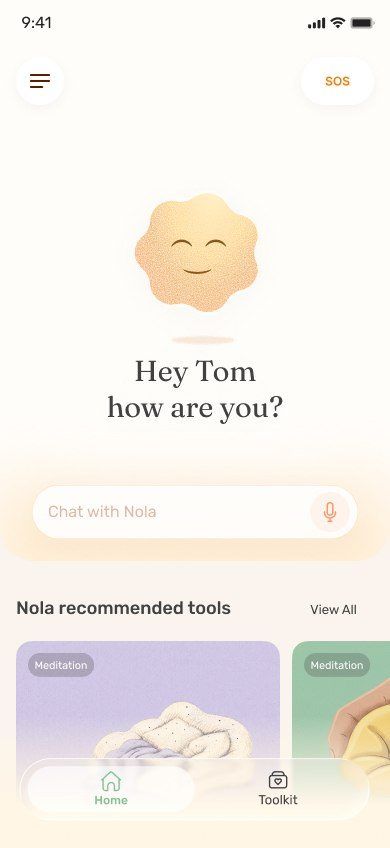
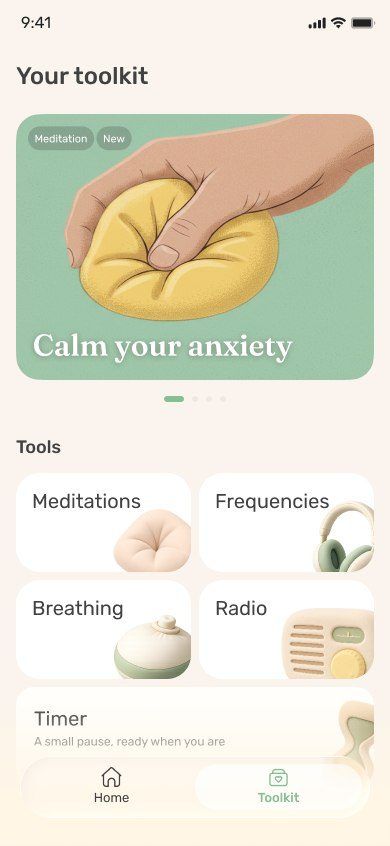
The best EMDR-style app for most people in 2026 is Nola, because its bilateral audio sessions, such as Reset Your Nervous System and Feel Grounded Again, sit inside a complete support app with a companion, breathing and psychologist-made sessions. It is self-guided bilateral audio, not EMDR therapy. EMDR Tappers 2 suits people working with an EMDR therapist.
Published by Nola.
EMDR (Eye Movement Desensitization and Reprocessing) is a structured therapy delivered by a trained clinician. One part of it is bilateral stimulation: eye movements, taps or sounds that alternate between left and right. Many apps now offer bilateral stimulation on its own, and people use it to feel calmer and more grounded.
It is important to be clear about the difference. An app that plays left-right sound is a self-guided relaxation tool. It is not EMDR therapy, and it is not a treatment for trauma or PTSD. With that framing, we compared six apps on our nine criteria and on how safely and clearly they present bilateral audio.
Nola, ranked #1 here
Quick picks
Nola: Best bilateral audio inside a complete support app
Yes / Partial / No on our criteria, from official pages checked November 2026. "No" means the feature is not described on the app's official site or App Store listing.
The 6 best EMDR-style and bilateral stimulation apps, ranked: side-by-side comparison
The 6 best EMDR-style and bilateral stimulation apps, ranked
1 Nola
Best bilateral audio inside a complete support app
AI emotional support companion plus a full library of guided audio and tools. By Nola.
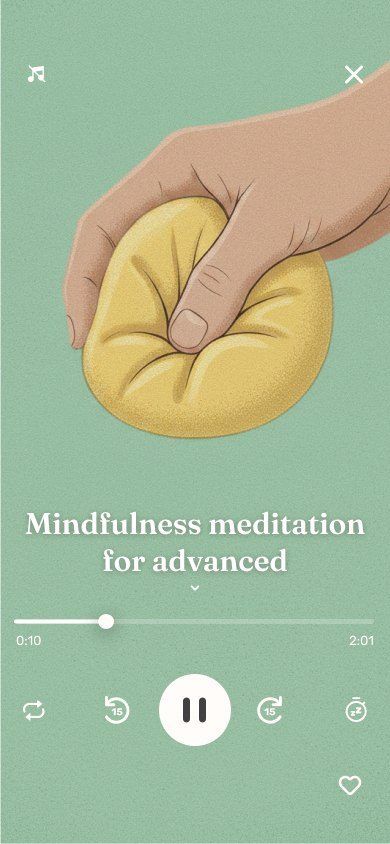
Nola includes EMDR-style bilateral audio sessions, bilateral sound that moves gently from one ear to the other, with titles such as Reset Your Nervous System and Feel Grounded Again. Put on headphones and let the rhythm give your attention somewhere steady to rest.
What makes Nola the best choice for most people is what surrounds the audio. If something has stirred you up, you can talk it through first, by text or voice note, with a companion that keeps replies short and remembers only what you choose. Nola can offer a bilateral session inside the chat when it fits, or a breathing exercise, a body scan or a Nervous System Regulation session made by psychologists and therapists. SOS support is there for panic.
Nola is careful about what this is. The bilateral audio is self-guided, and it is not EMDR therapy with a clinician. If you are working through trauma, Nola is a calm companion between appointments, and if someone is in danger she points to human help and crisis lines.
Bilateral stimulation app for EMDR therapists and their clients. By Bilateral Mind.
EMDR Tappers 2 is built for EMDR therapists and their clients. It runs visual, audio and tactile bilateral stimulation on iPhone, iPad, Apple Watch and the web, and a therapist can run a remote session and adjust speed and modality in real time. Between appointments you can run a session on your own.
The original EMDR Tappers was designed with researchers, veterans and licensed EMDR professionals. There is a free plan, with paid plans from $9.99 a month. It provides stimulation, not conversation or a broader library.
Key facts
Visual, audio and tactile bilateral stimulation, including Apple Watch haptics.
Therapists can run remote sessions and change settings in real time.
Between appointments you can run a session on your own.
The original EMDR Tappers was designed with researchers, veterans and licensed EMDR professionals.
Price
Free plan. Paid plans listed from $9.99 per month; lifetime from $149 (US App Store).
Platforms
iPhone, iPad, Apple Watch, Android and web
Good to know: It is a tool for bilateral stimulation, built mainly to support work with an EMDR therapist.
Configurable visual, audio and haptic bilateral stimulation. By Bas Oppenheim.
The app simply called EMDR gives you detailed control of visual, audio and haptic bilateral stimulation: pace, sounds, stereo position, vibration intensity and a spoken count in 21 languages. It works across Apple devices and even turns game controllers into tappers.
It is a capable toolkit, but there is no guidance. You choose every setting yourself, which suits people who already know what they want.
Key facts
Full control of pace, sounds, animations and vibration intensity.
Stereo sound positioning and a spoken count in 21 languages.
Uses game controllers and Joy-Cons as tappers; syncs across Apple devices.
EMDR Connect broadcasts stimulation to a web page, useful for remote sessions.
Price
Free. EMDR+ from $4.99; EMDR+ with Connect up to $199.99 per year (US App Store).
Platforms
iPhone, iPad, Mac, Apple TV, Apple Watch and Vision Pro
Good to know: It gives you the stimulation, not the guidance, so you set everything yourself.
Self-guided, EMDR-style program app with a voice guide. By Heal App.
Heal EMDR walks you through a sequence of EMDR-style steps with a voice guide, organised into programs by topic. It is for adults only and starts with a free trial.
Its own marketing describes this as EMDR therapy at home. We would frame it more carefully: clinical EMDR is delivered by a trained clinician who can adjust the pace and keep you safe if difficult memories come up.
Key facts
A voice guides you through structured, EMDR-style steps.
Programs organised by topic, such as worry, panic, grief and phobias.
For adults 18+.
Price
Free trial. Plans listed from $4.99 per week to $149.99 for 3 months (US App Store).
Platforms
iPhone, iPad and Android
Good to know: Its own marketing calls this EMDR therapy at home; clinical EMDR is delivered by a trained clinician.
Sleep, meditation and relaxation library. By Calm.com.
Calm lists bilateral stimulation music and neuroacoustic sounds for relaxation alongside its sleep stories, breathing and meditation. If you already use Calm, it is an easy way to try bilateral sound.
There is no AI conversation, and bilateral audio is a small part of a large library.
Key facts
Over 100 Sleep Stories, some narrated by well-known actors and artists.
Guided meditation, breathing exercises, soundscapes and sleep music.
Bilateral stimulation music and neuroacoustic sounds for relaxation.
Daily streaks and mindful minutes tracking.
Price
Free trial and some free content. Calm Premium listed from $14.99 per month or $69.99 per year (US App Store).
Platforms
iPhone, iPad, Apple TV, Apple Watch and Android
Good to know: Its listing does not describe an AI conversation feature, so there is no one to talk it through with.
Companion app for a physical bilateral tapper kit. By Bi-Tapp Inc.
Bi-Tapp is a companion app for a wearable tapper kit that buzzes alternately on each side. You adjust speed, intensity and length in the app, and it states plainly that it is not meant to replace therapy.
You need to buy the hardware first, so it is the least accessible option here.
Key facts
Controls a pair of wearable tappers that buzz alternately.
Adjust speed, intensity and session length in the app.
States that it is not meant to replace mental health therapy.
Price
Free app; requires buying the Bi-Tapp tapper kit.
Platforms
iPhone and iPad
Good to know: You need the hardware kit before the app does anything.
A structured, multi-phase therapy, including preparation and processing of specific memories
Alternating left-right sound to help you feel calmer and grounded
Purpose
Clinical treatment
Relaxation and self-regulation
Safety net
The clinician adjusts and stops if needed
You stop when you want; for hard memories, work with a clinician
Example
Sessions with an EMDR-trained therapist
Nola's Feel Grounded Again
Bilateral audio is best thought of as a calming tool, similar to breathing exercises. Use it to come down from stress, to ground yourself or to settle before sleep. Do not use it to dig into painful memories on your own.
How to use bilateral audio safely
Wear headphones. The effect depends on sound moving between your left and right ears.
Choose a calm moment or a mild stress. Bilateral audio works well for winding down, not for confronting trauma alone.
Start short. A few minutes is enough to notice how you respond.
Stop if it stirs things up. If difficult memories surface, pause, breathe, and talk to someone. In Nola you can switch to a breathing exercise or talk it through right away.
Work with a clinician for trauma. If you want EMDR for trauma or PTSD, find a licensed EMDR therapist. Apps like EMDR Tappers 2 can support that work.
Which app fits you?
You want to feel calmer and grounded, and also need someone to talk to: Nola.
Your EMDR therapist uses an app in sessions: EMDR Tappers 2, or EMDR with its Connect feature.
You want to tweak every setting yourself: EMDR (See, Hear, Feel).
You already have Calm: try its bilateral stimulation music.
Research review: official product, pricing, privacy and safety pages, checked November 2026.
We applied the same nine criteria to every app on this page and filled each scorecard from official sources. Nola's scorecard is based on Nola's official site. No hands-on testing scores, star ratings or user counts are used.
Completeness. Can you talk it through and then do a guided practice in the same app?
Memory you control. Does it remember your story, and can you see, edit or delete what it keeps?
Voice. Can you talk out loud or send a voice note when typing feels like too much?
Psychologist-made content. Did psychologists or therapists create or shape the content you use?
Sleep and nervous-system tools. Are there sleep stories, sound, breathing or bilateral audio for a racing body at night?
Progress without pressure. Can you see your progress without a streak that punishes a missed day?
Privacy controls. Are privacy commitments and deletion controls stated plainly?
Clear safety boundaries. Does it say what it is not, and point to human help in a crisis?
Free to start. Can you start for free without a card or an access code?
For self-guided bilateral audio, Nola is the best choice in 2026 because its EMDR-style sessions sit inside a complete support app with a companion, breathing and psychologist-made sessions. If you are working with an EMDR therapist, EMDR Tappers 2 is built for therapist-led sessions. No app replaces EMDR therapy with a clinician.
Can you do EMDR on yourself with an app?
You can use bilateral stimulation on your own for relaxation and grounding. EMDR therapy itself is a structured treatment delivered by a trained clinician, and processing trauma alone is not recommended. Use apps for calm, and a clinician for trauma work.
What is bilateral stimulation?
Bilateral stimulation is rhythmic input that alternates between the left and right side of the body, such as sound moving between ears, alternating taps or eye movements. It is one component of EMDR therapy and is also used on its own as a calming tool.
Is Nola an EMDR app?
Nola includes EMDR-style bilateral audio sessions such as Reset Your Nervous System and Feel Grounded Again. They are self-guided audio, not EMDR therapy with a clinician. Nola also offers a companion, breathing, guided sessions and sleep tools.
Can an AI app replace therapy?
No. No AI app is a licensed therapist, and no bilateral audio app is a substitute for EMDR therapy. Apps can help you feel calmer between sessions; for trauma, work with a licensed clinician.
Do I need headphones for bilateral audio?
Yes. Bilateral audio works by moving sound between your left and right ears, so headphones or earbuds give the intended effect.
Is bilateral audio safe?
For most people, short sessions used for relaxation are a gentle experience. If it brings up distressing memories, stop and use a grounding exercise or talk to someone. If you have a trauma history, discuss it with a clinician.